Every ElevenLabs account includes its own workspace, where you can manage your voices, Agents, Studio projects, billing, and more.
Multi-seat workspaces
For teams that want to collaborate, we offer multi-seat workspaces on the Scale (3 seats), Business (5 seats), and Enterprise plans. These allow multiple users to work together in a shared environment with centralized billing, usage, and resource management.
Multi-seat workspaces can have have admins and members.
Admins control billing, user management, and workspace settings.
Members can access and create shared resources within workspace limits.
Workspace owners
Every workspace has a single owner, and ownership can be transferred. If a subscription is downgraded and there are more members than available seats, only the owner will retain access.
Multiple workspace membership
You can be a member of multiple workspaces at the same time. Each user can have only one free workspace at a time, but there is no limit on the number of paid workspaces you can be a member of.
You can easily switch between workspaces using the workspace switcher in your account menu.
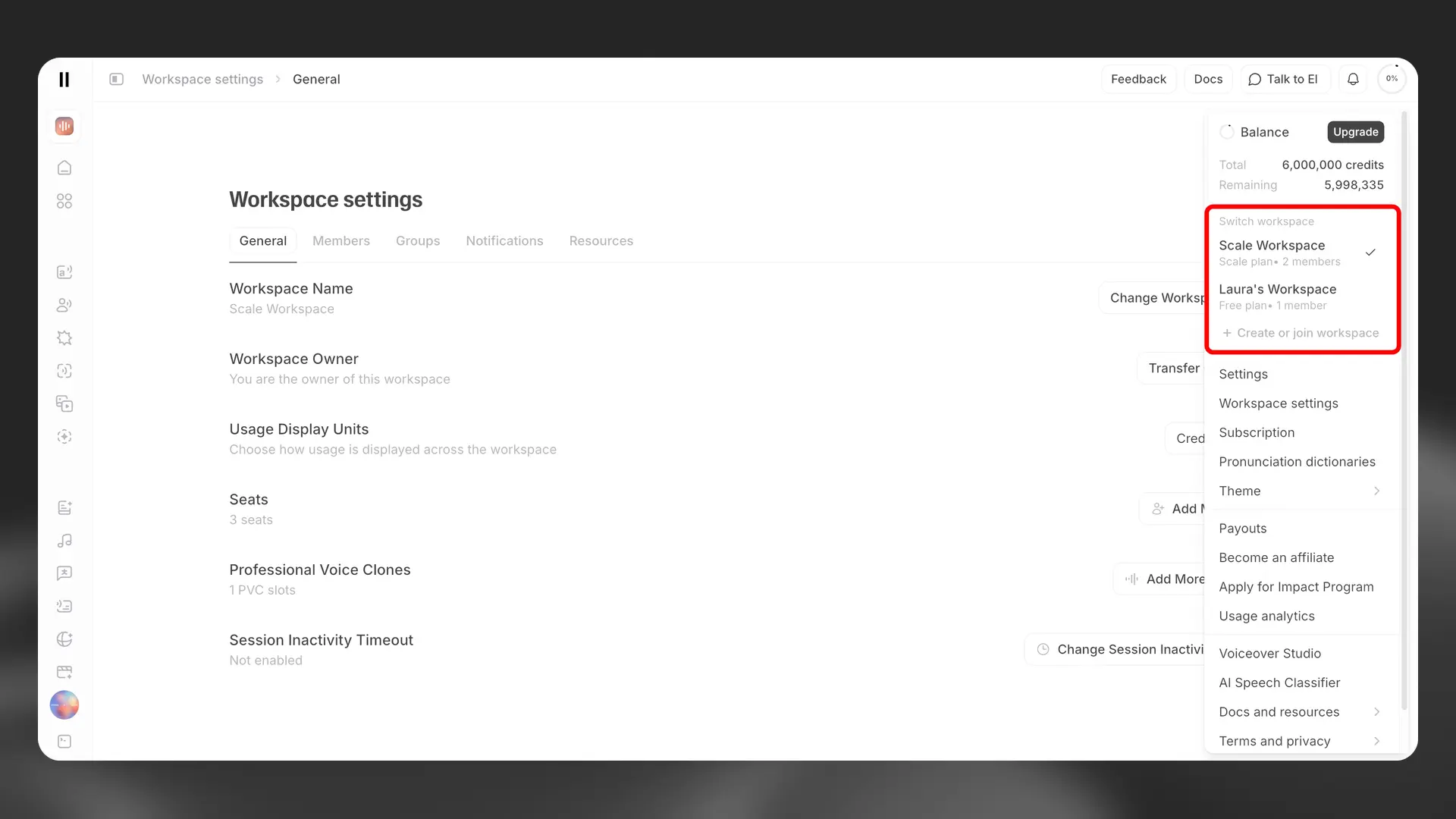
Workspace owners can copy the following resources from one workspace to another:
Voices
Studio projects
Dubs
Basic Agent Configs (note: secrets associated with the agent will not be copied over)
Note: Only join workspaces you trust. Workspace admins have broad control within their workspace, including access to content created there and the ability to manage member access.
For more information, see our workspaces documentation.